
Money Planner
v2.4.0AndroidPrivate Personal Finance & Budgeting
Money Planner is built for people who want complete control over their money without handing their private financial data to third-party cloud servers. Track your daily expenses, visualize monthly spending habits, create custom budgets, and plan loan repayments—all stored securely on your phone.
Detailed Capabilities & Interface Tour
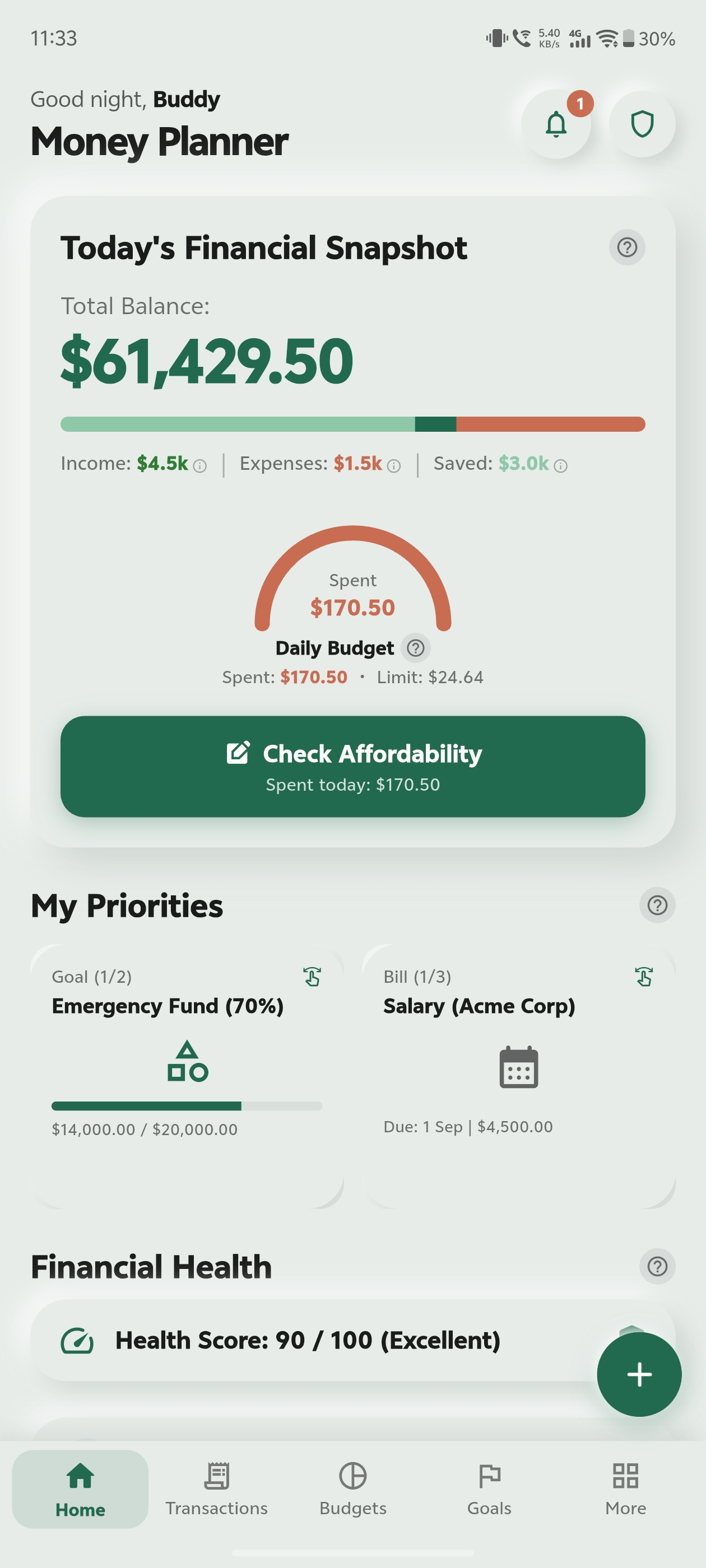
Net Worth & Spending Summary
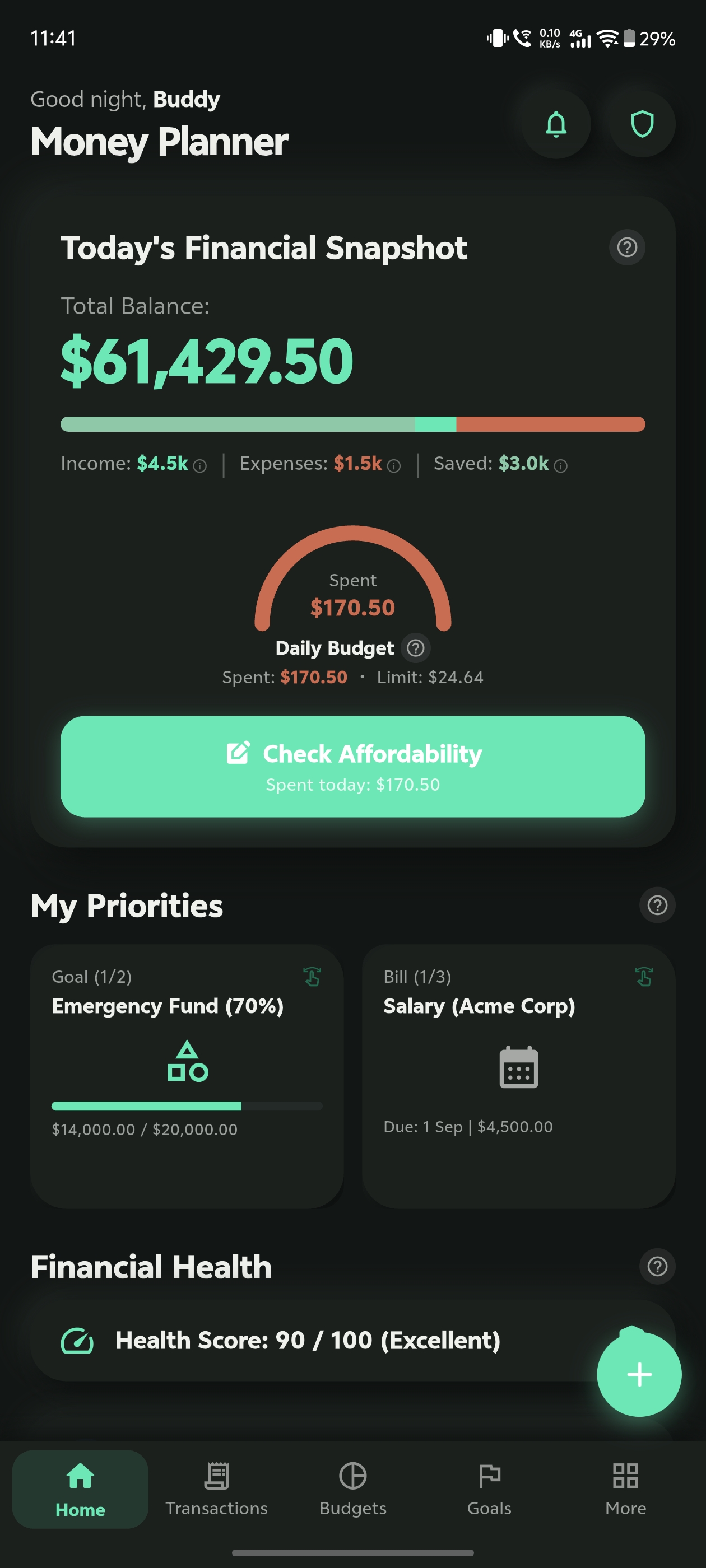
OverviewSee your total net worth, monthly cash flow, and daily safe-to-spend allowance right on your home screen.
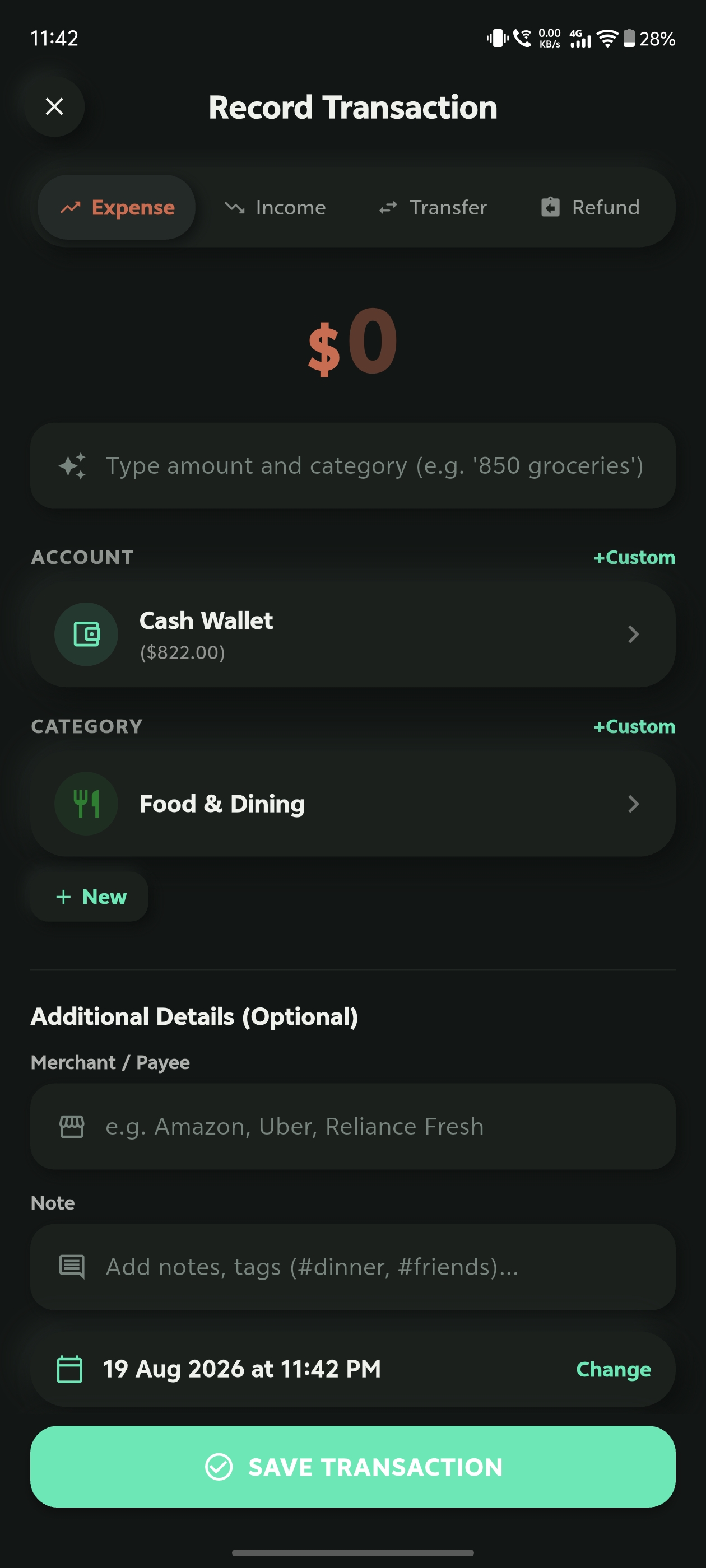
Fast Expense & Income Logging
Quick AddAdd new transactions in seconds with quick category tags, payment methods, and optional receipt photos.
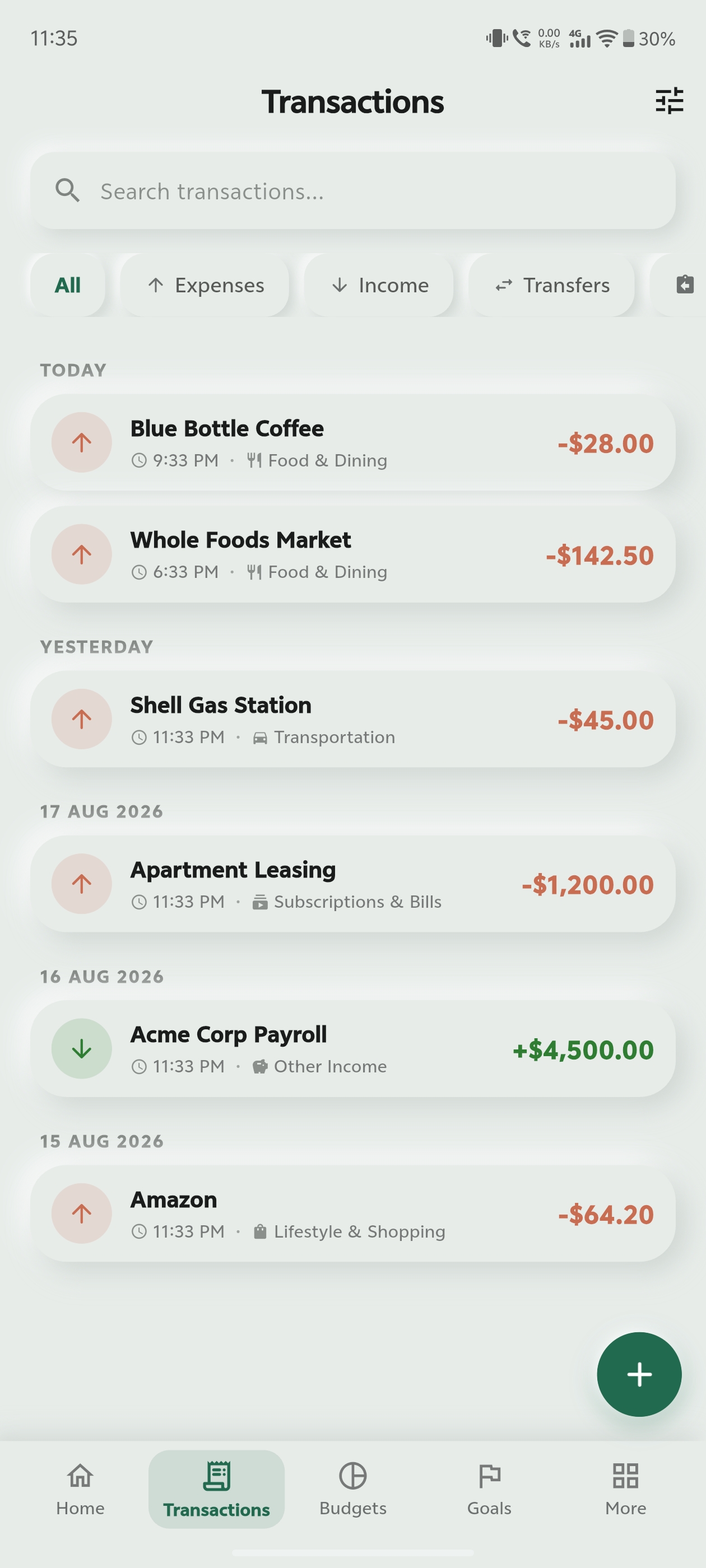
Searchable Transaction History
LedgerFind any past expense instantly with smart filters for categories, accounts, date ranges, and custom notes.
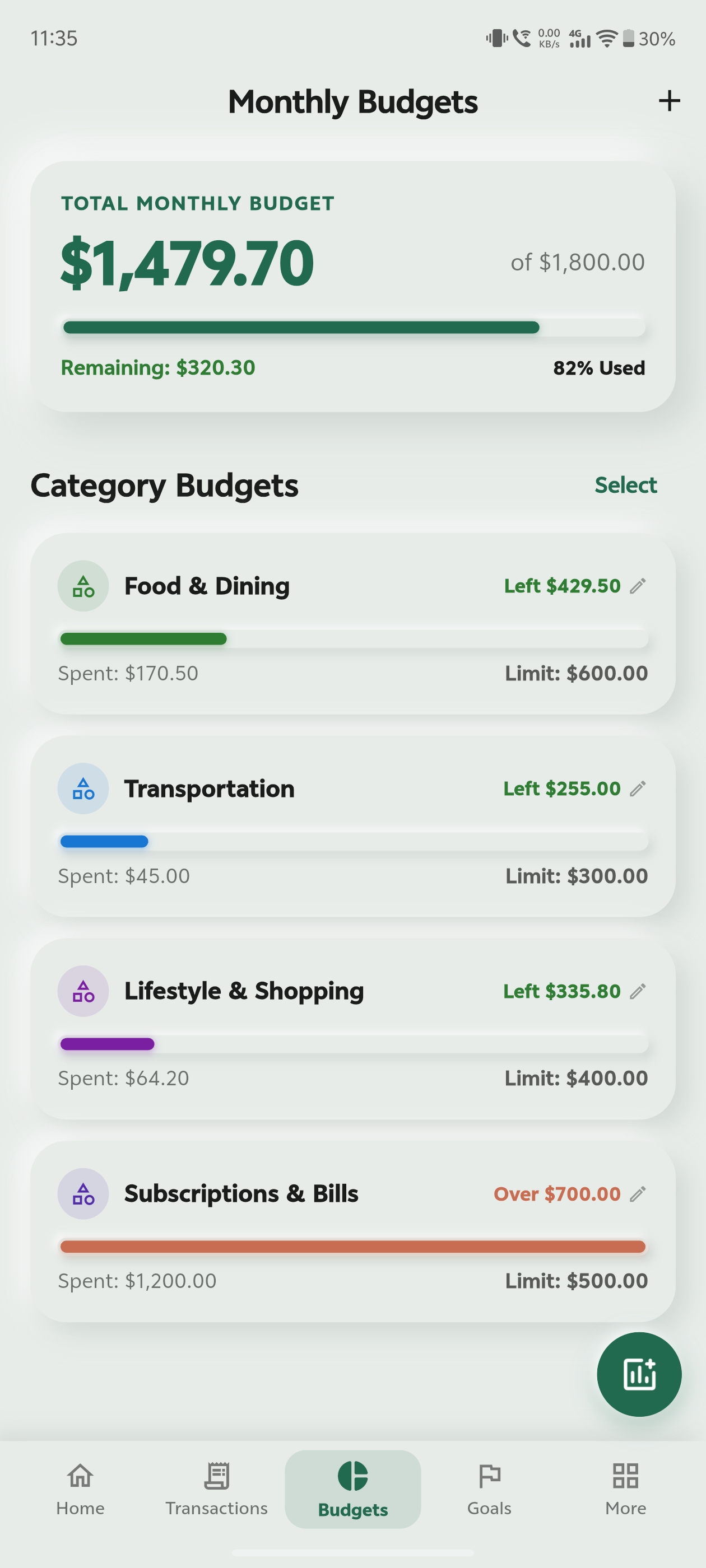
Monthly Category Budgets
BudgetsSet spending limits for groceries, dining out, and entertainment with visual progress bars that help you stay on track.
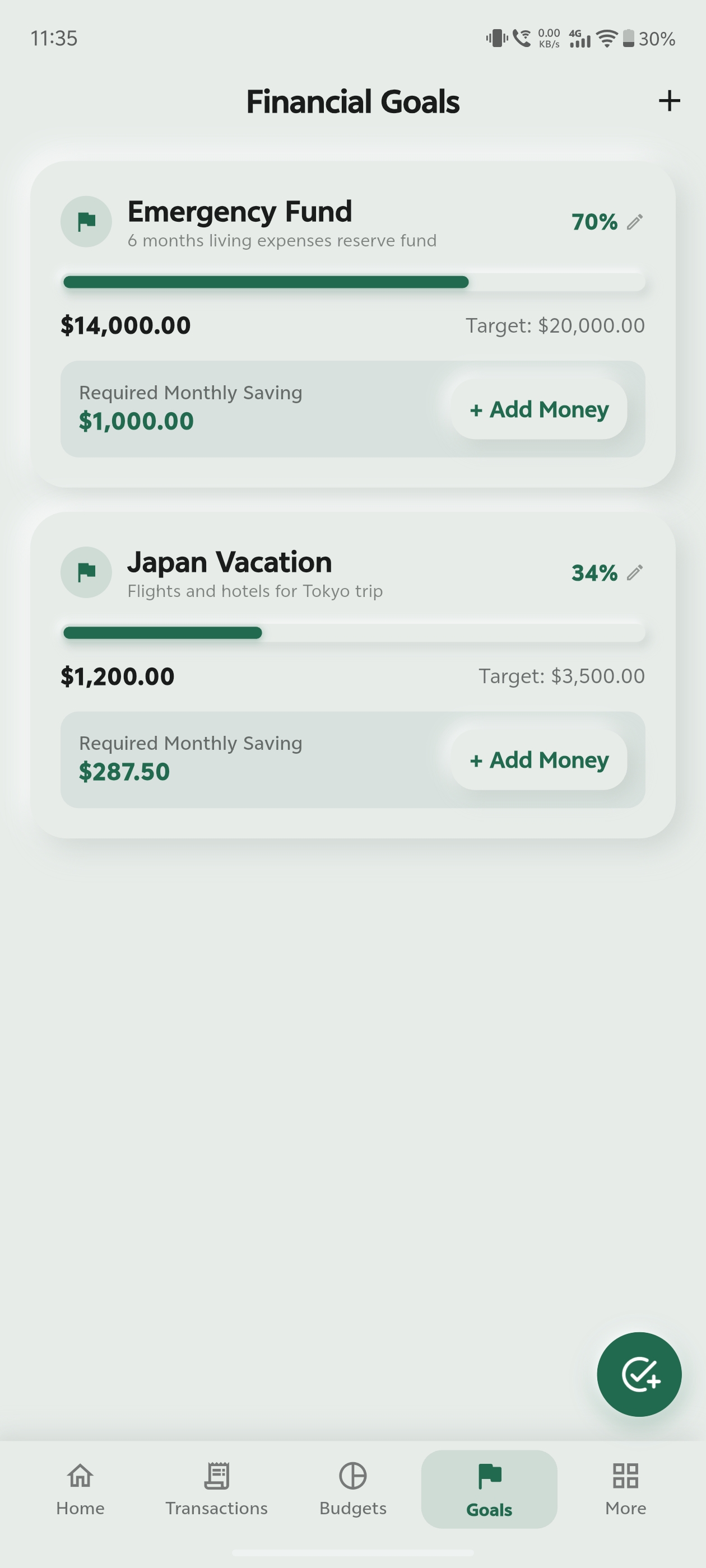
Savings Goal Tracker
GoalsSave up for a vacation, emergency fund, or new gadget with visual milestones and target completion dates.
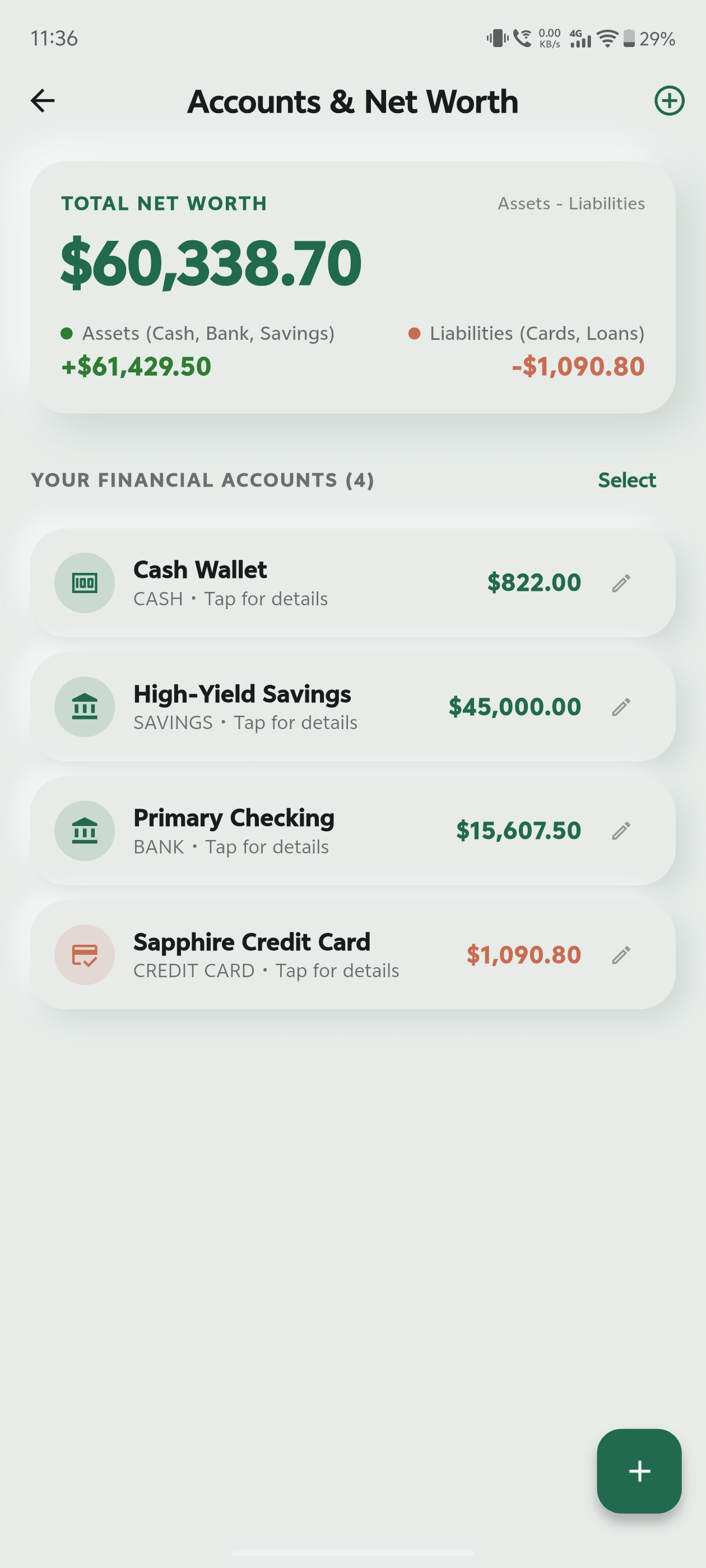
Multiple Accounts & Wallets
AccountsTrack cash, bank accounts, credit cards, and savings in one unified dashboard with support for 150+ currencies.
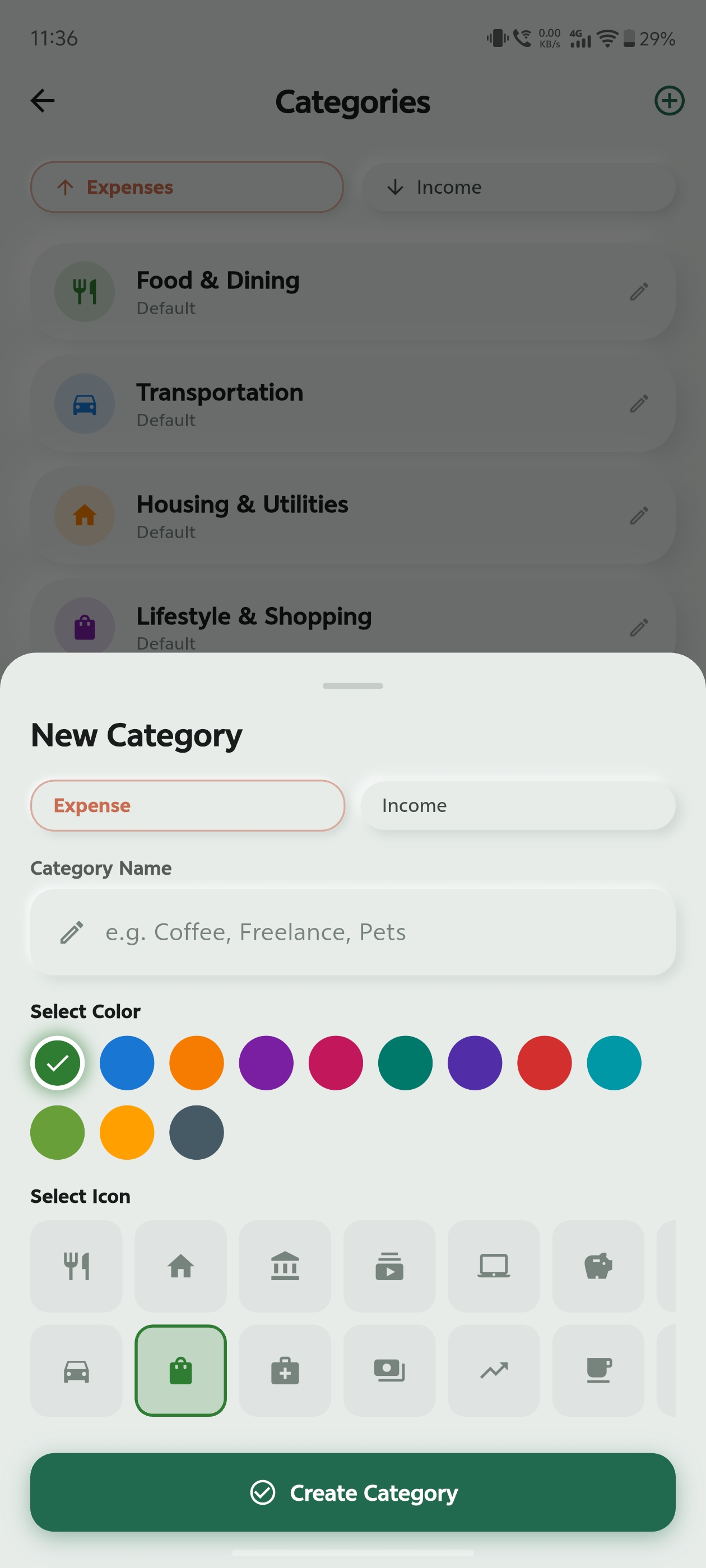
Custom Categories & Icons
CustomizationPersonalize your spending categories with colorful icons and tags tailored to your lifestyle.
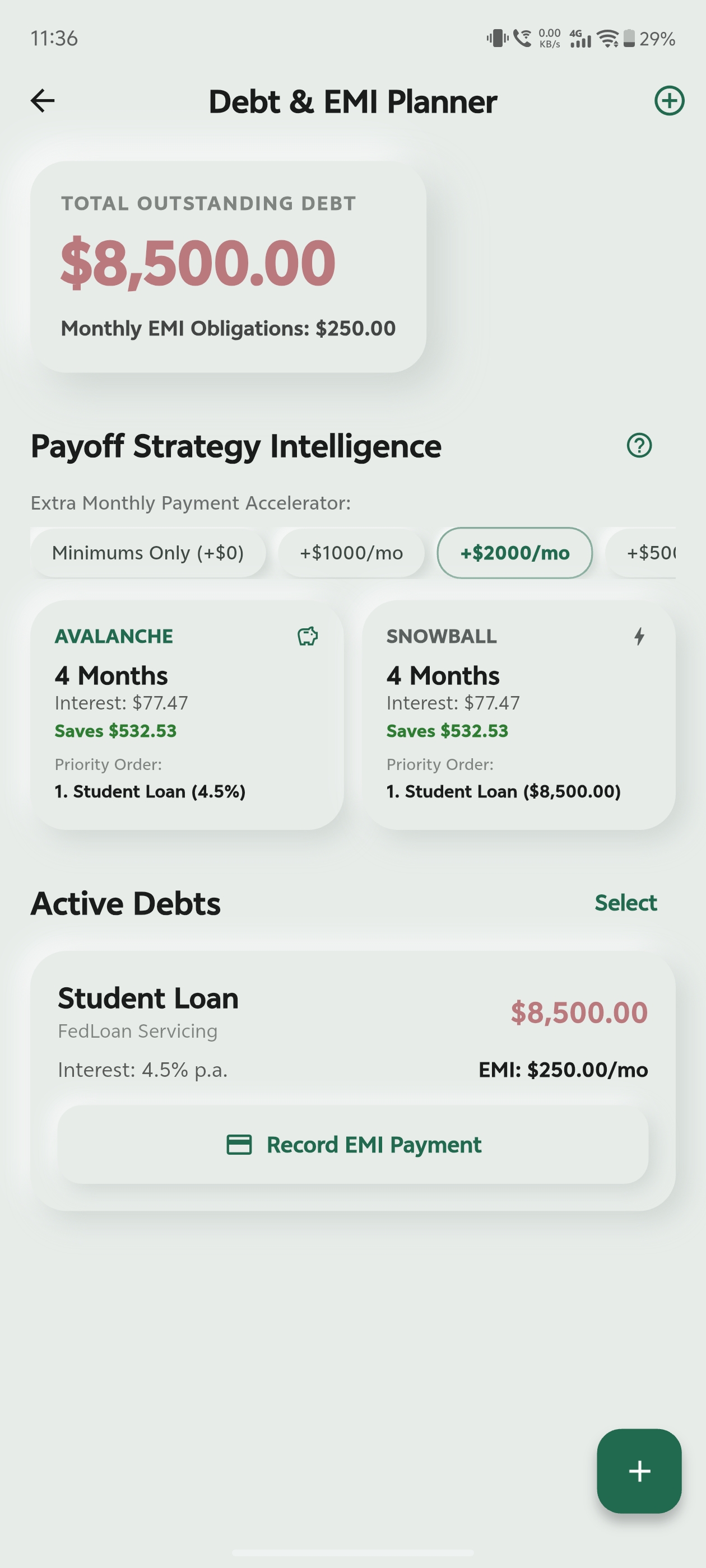
Debt & Loan EMI Planner
Loans & DebtKeep track of loans, credit card balances, and monthly EMI payments with automated payoff schedules.
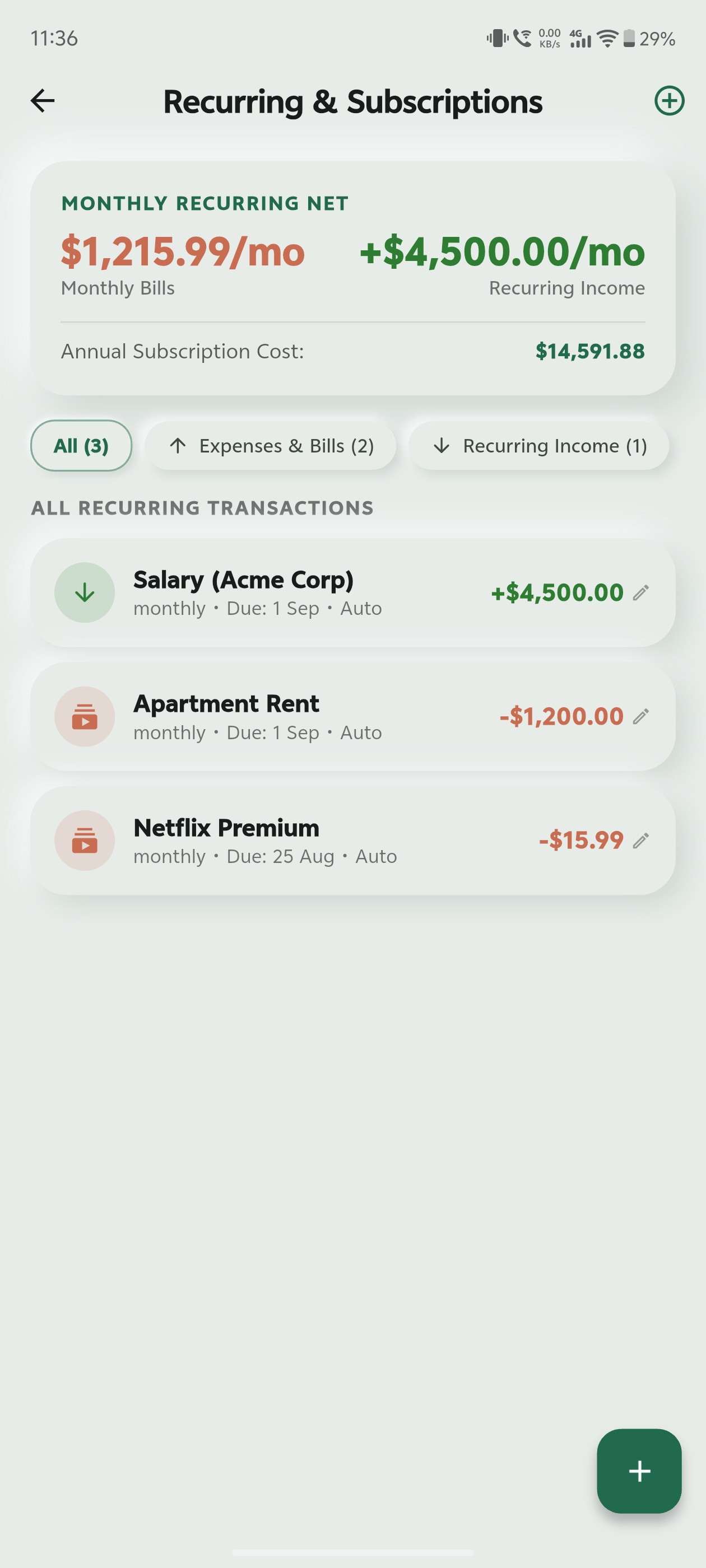
Recurring Bills & Subscriptions
SubscriptionsNever get surprised by auto-renewals. Track subscriptions like Netflix, gym memberships, and rent with due date reminders.
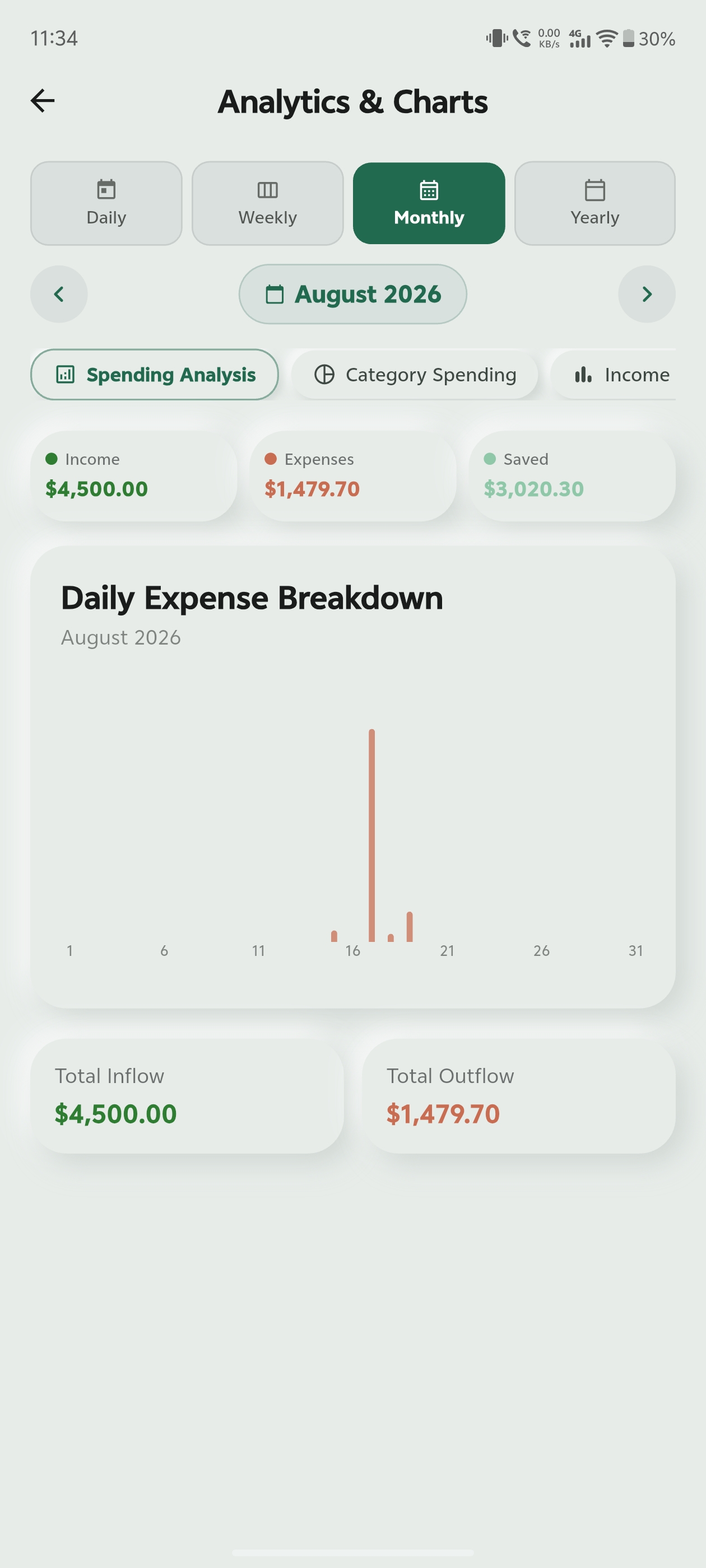
Clear Visual Spending Charts
InsightsUnderstand where your money goes with intuitive pie charts, monthly comparison graphs, and category breakdowns.
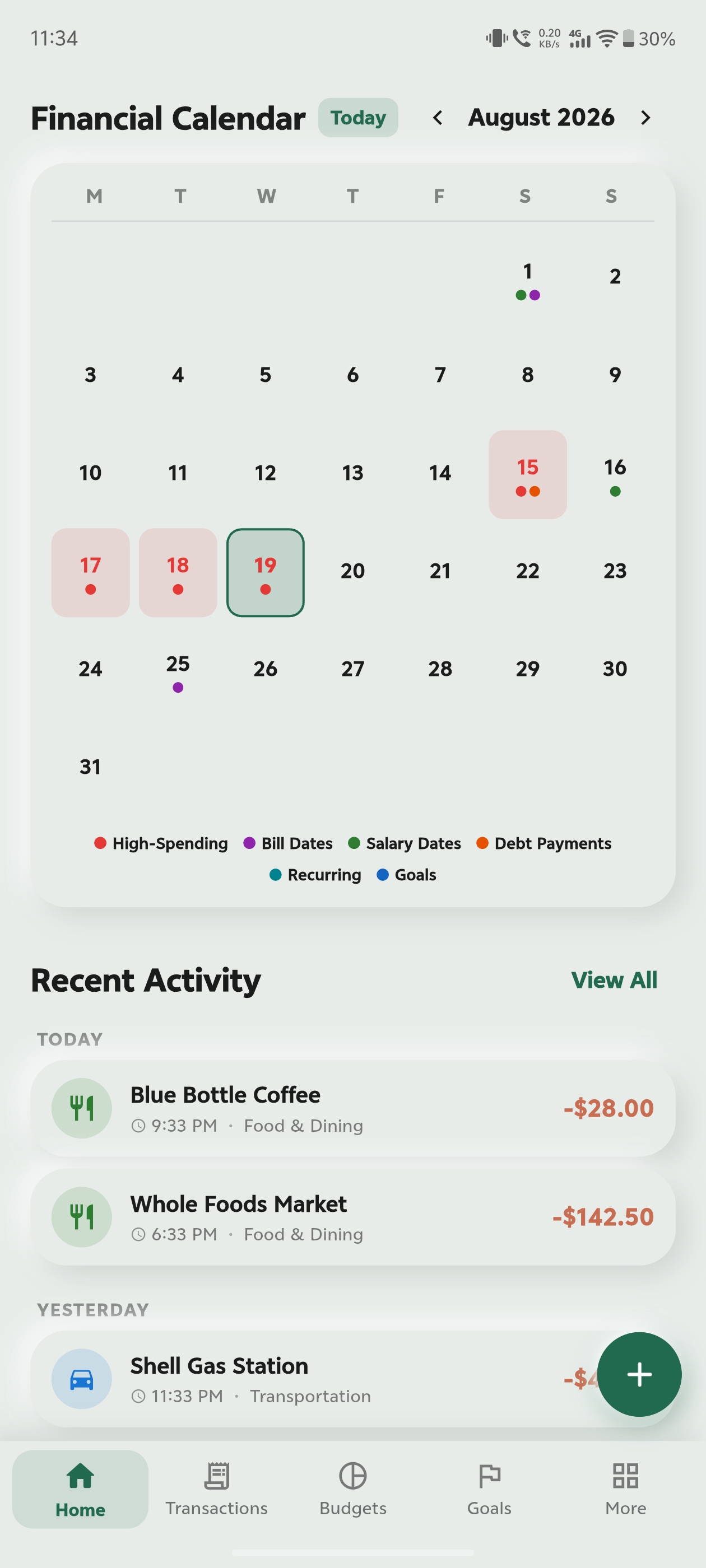
Financial Calendar View
CalendarBrowse your spending day-by-day on a monthly calendar heatmap to spot heavy spending patterns.
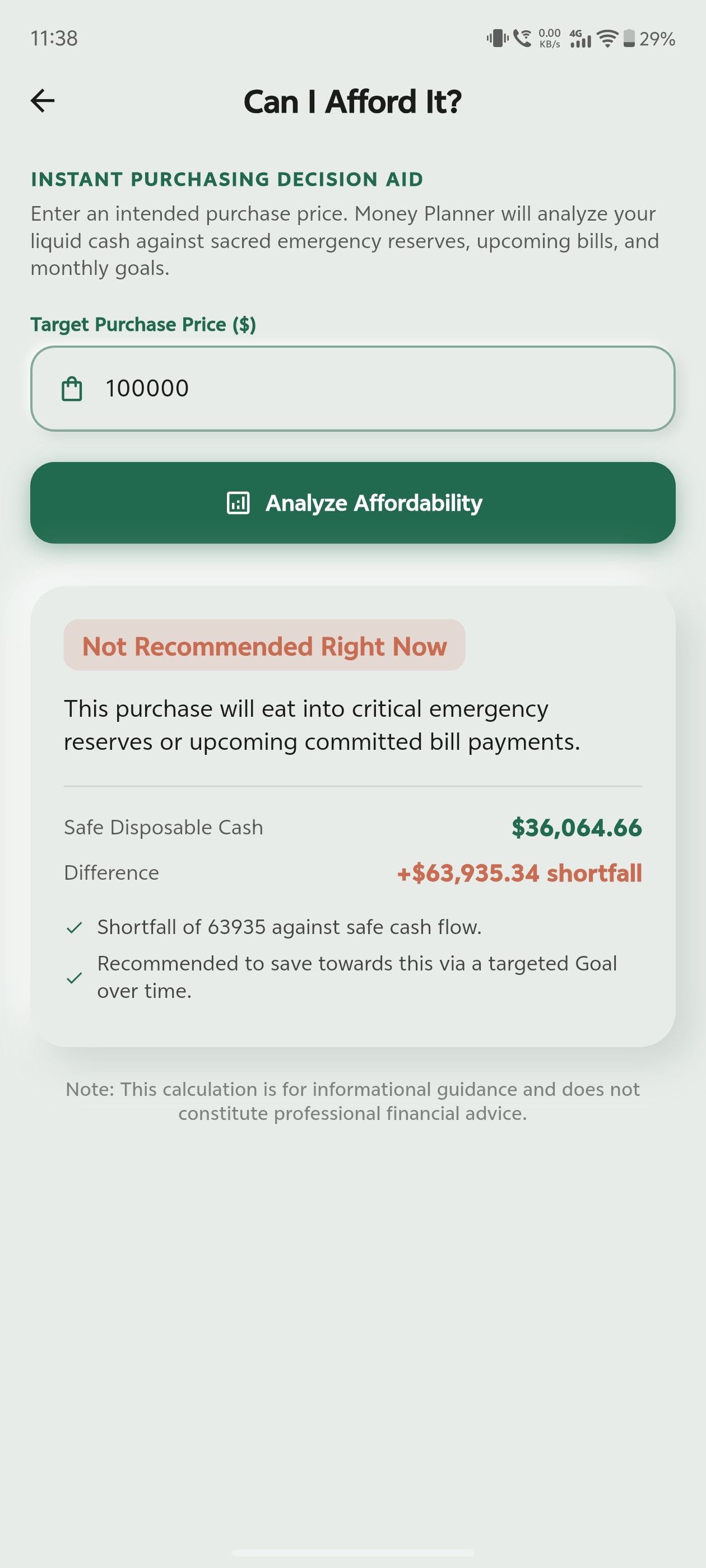
“Can I Afford It?” Calculator
Decision ToolCheck whether an upcoming purchase fits into your remaining monthly surplus before you spend.
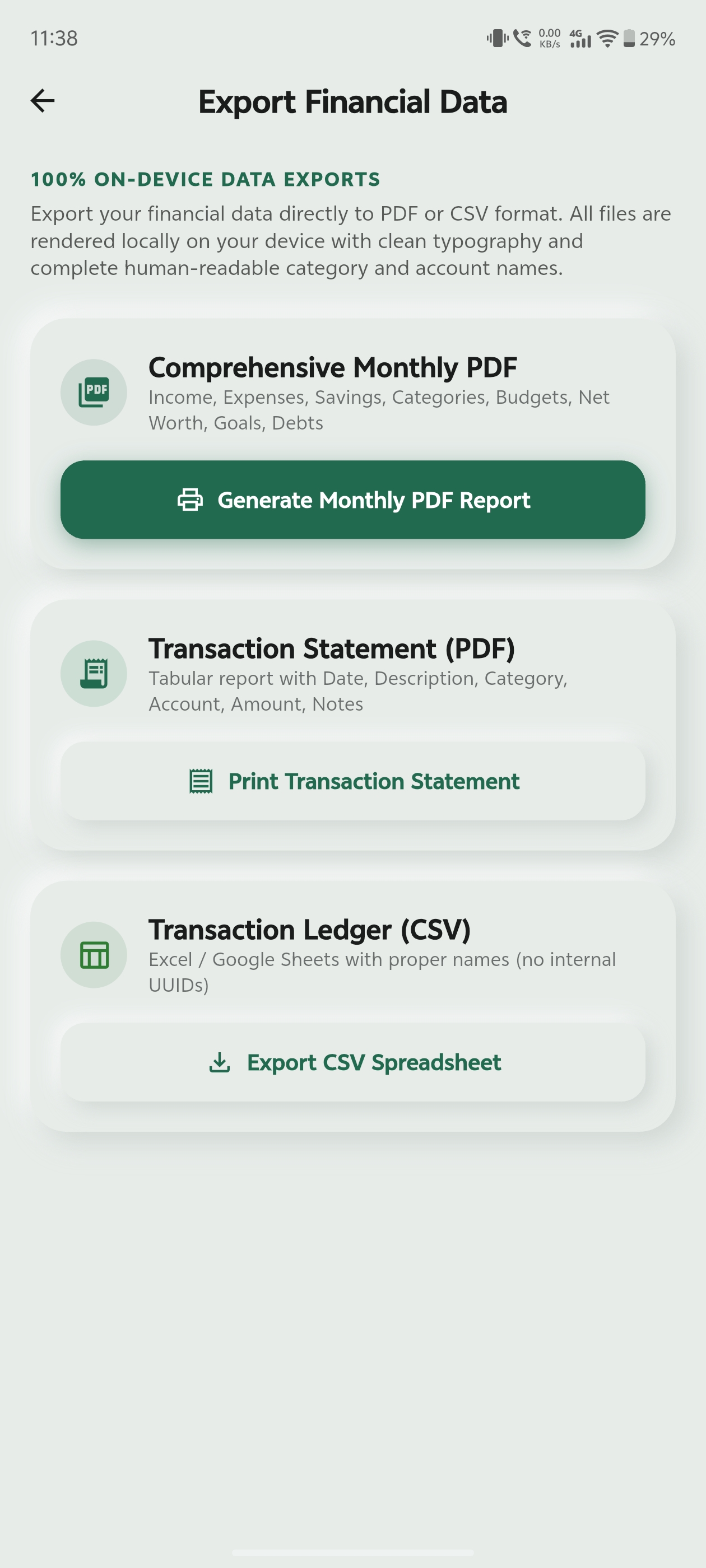
Export to PDF & Excel (CSV)
ReportsGenerate clean PDF reports or spreadsheet-friendly CSV files directly to your phone storage anytime.
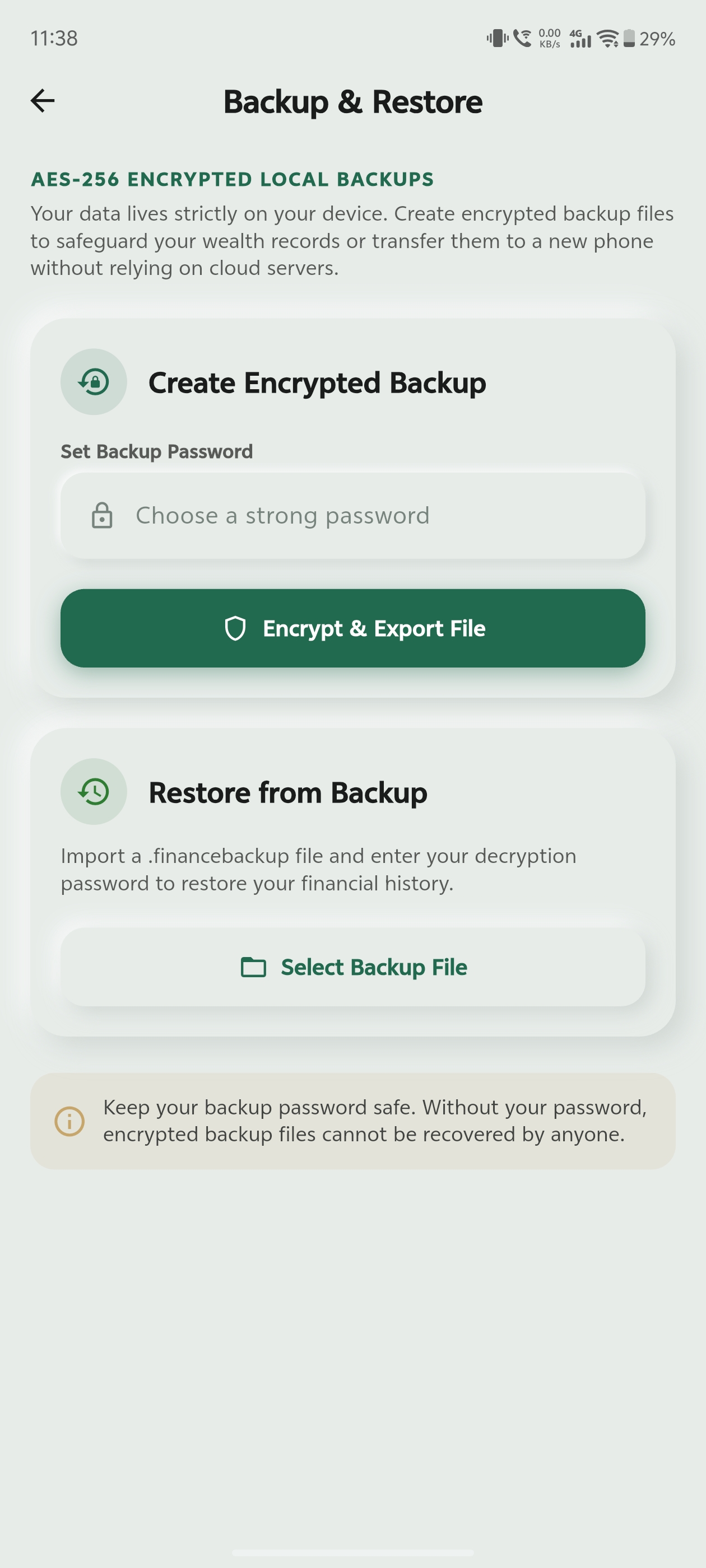
Encrypted Offline Backups
SecurityBackup and restore your complete financial ledger with password protection without using cloud servers.
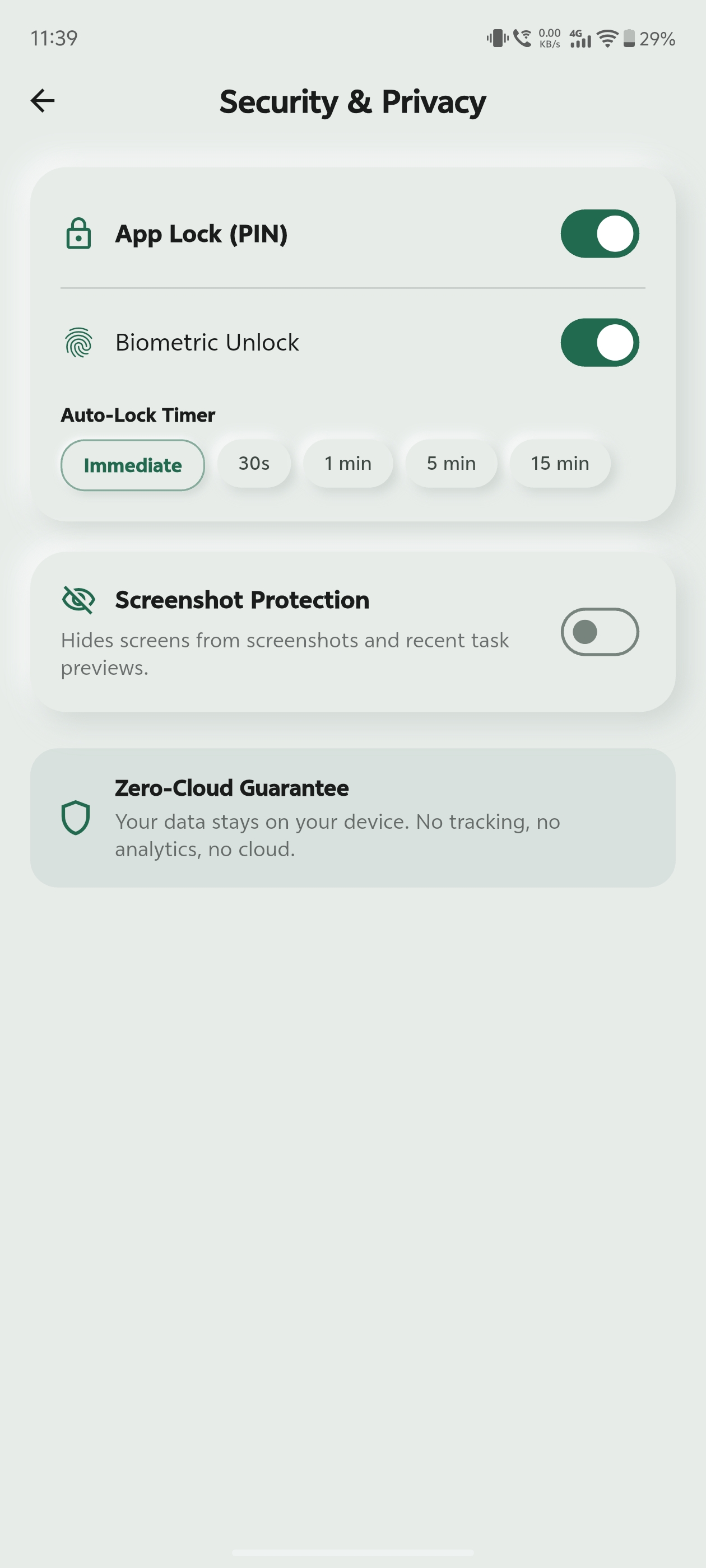
Fingerprint & PIN App Lock
PrivacyKeep your numbers private with biometric fingerprint unlock and an optional 4–6 digit PIN passcode.
OLED Dark Theme
ThemeA battery-saving dark interface designed for comfortable use day or night.