
Odd Gun Studio Logo
ODD GUNDIGITAL PRODUCT STUDIO
Utility & Privacy
AVAILABLE
Notification Pro Logo

Notification Pro

v1.8.0Android

Private Notification Vault & History

Ever accidentally cleared an important message, WhatsApp notification, or verification OTP? Notification Pro archives your incoming alerts in an organized, searchable vault on your phone. Includes smart spam filtering, message search, and biometric protection.

NETWORK MODE100% Offline Only

Zero cloud telemetry or remote tracking.

ENCRYPTION ENGINEHardware-Backed

Hardware-Backed AES-256

DATABASE STORAGEEncrypted

Encrypted Local Database

RELEASE STATUSAVAILABLE

Released: 2026

Detailed Capabilities & Interface Tour
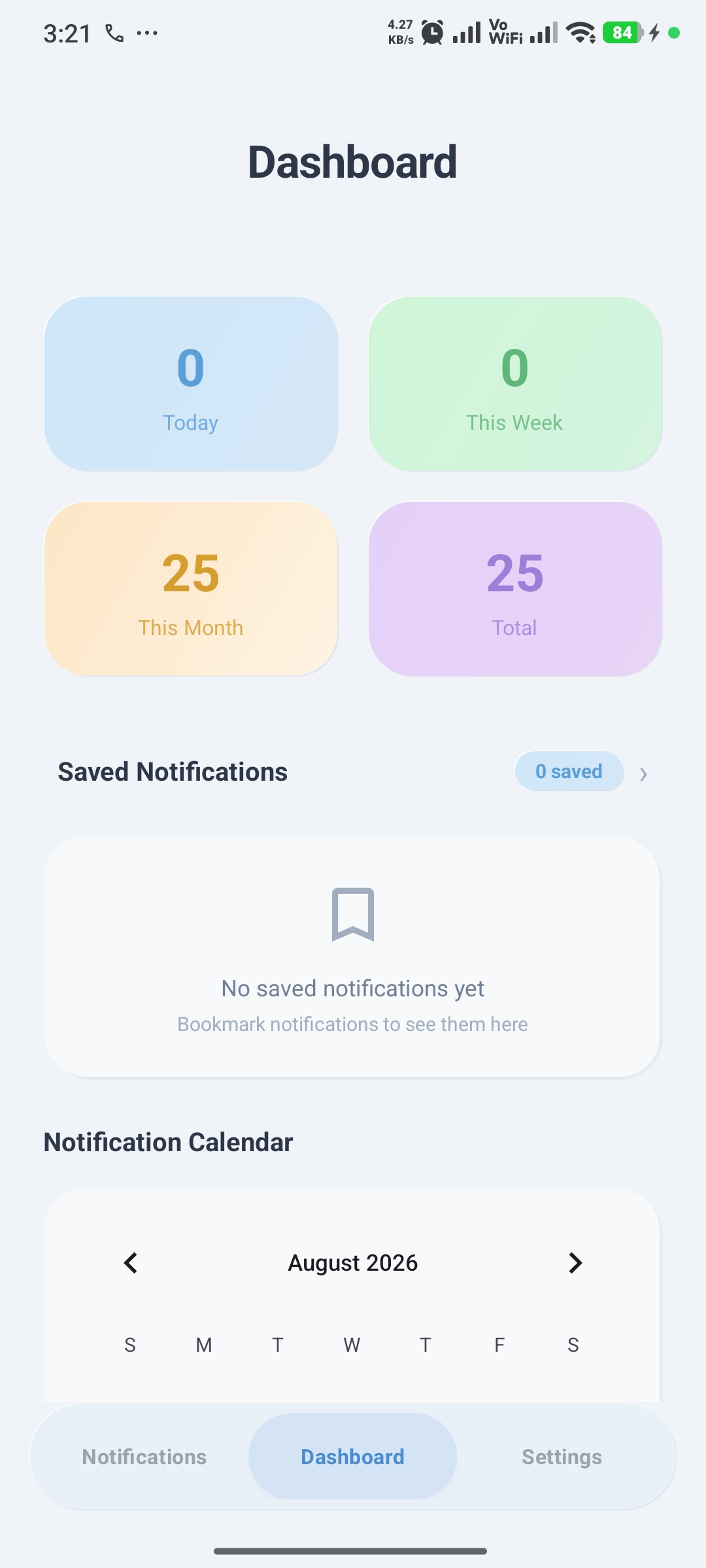
Notification Pro - Daily Notification Overview

Daily Notification Overview

Overview

See which apps send you the most notifications each day with clear daily and weekly summaries.
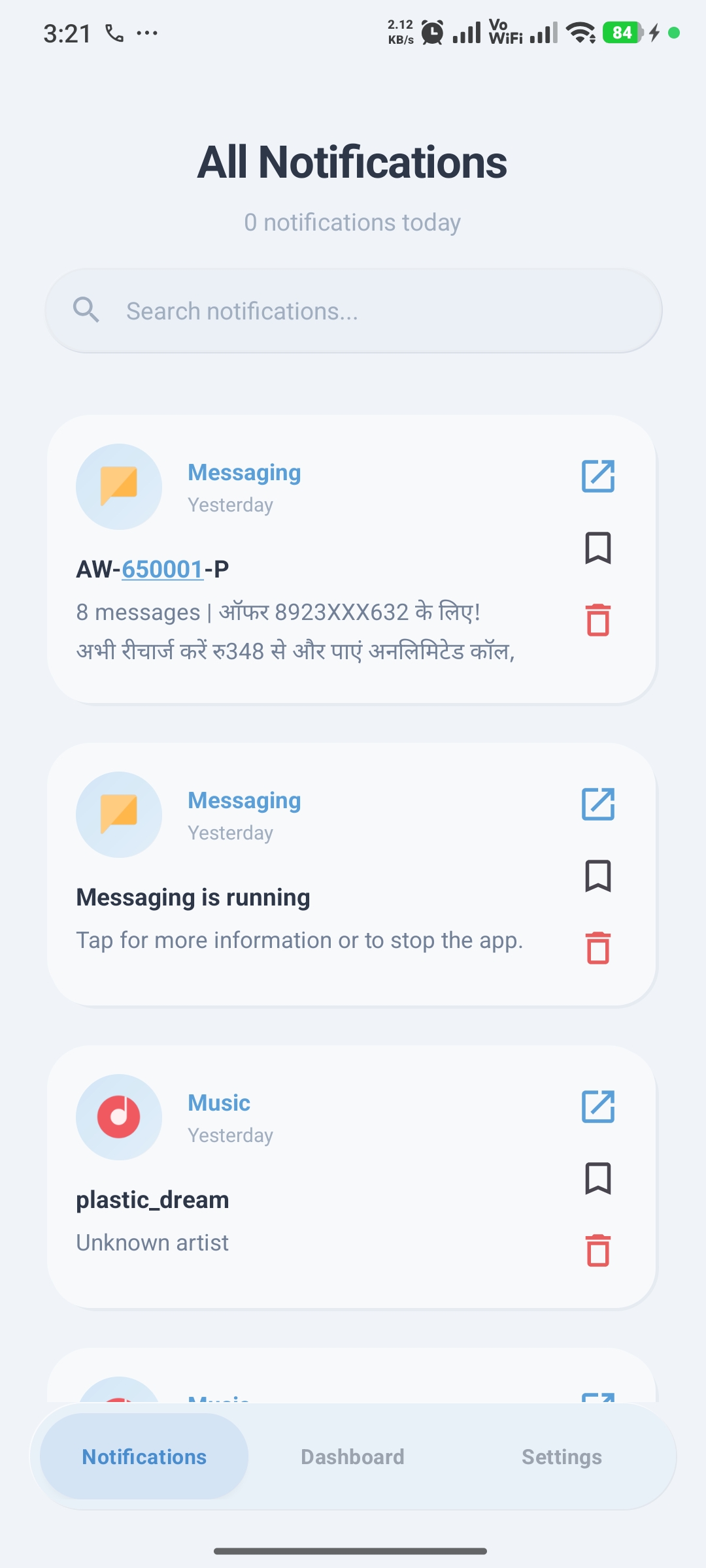
Notification Pro - Searchable Message History

Searchable Message History

History Vault

Read dismissed notifications anytime and search messages by app name, sender, keyword, or date.
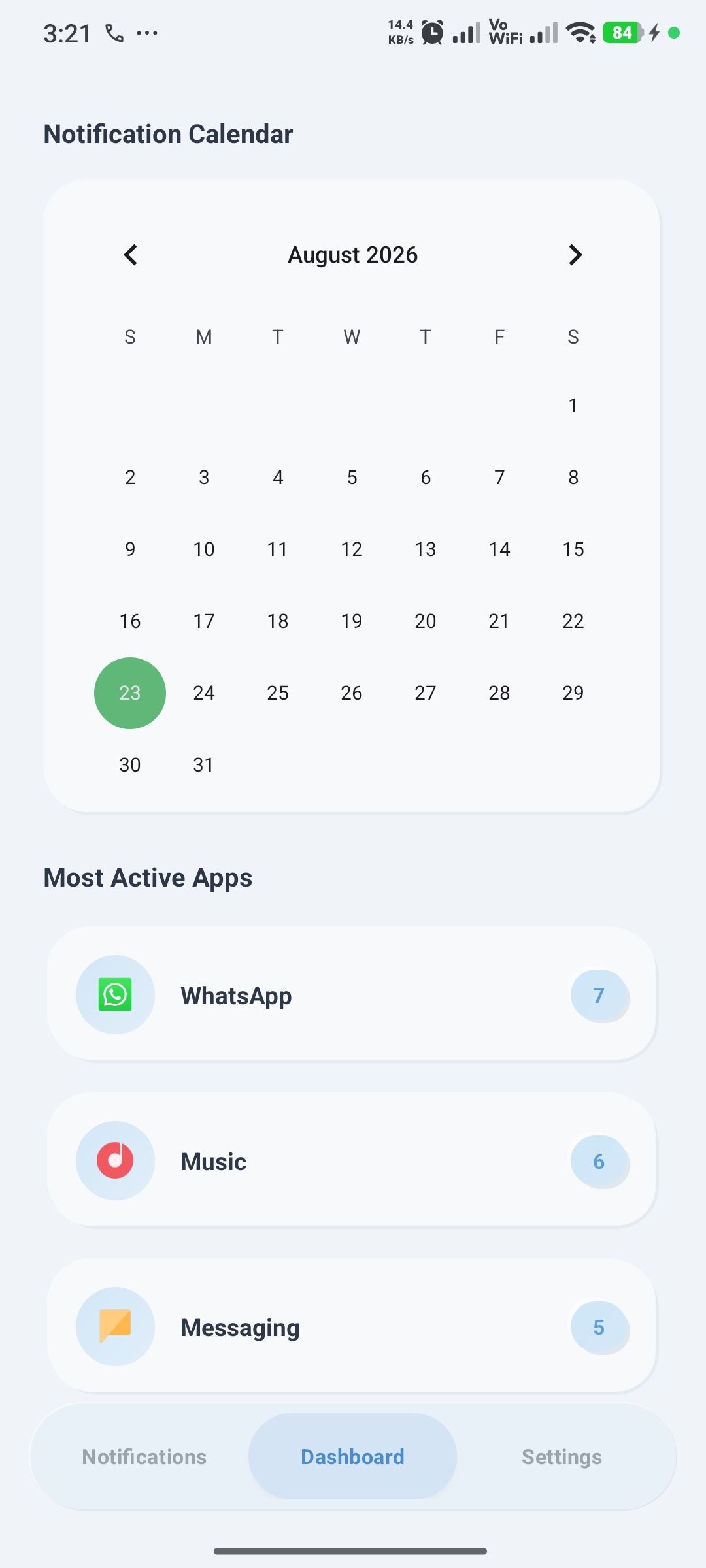
Notification Pro - Calendar History Browser

Calendar History Browser

Calendar

Jump to any specific day on the calendar to see all notifications received on that date.
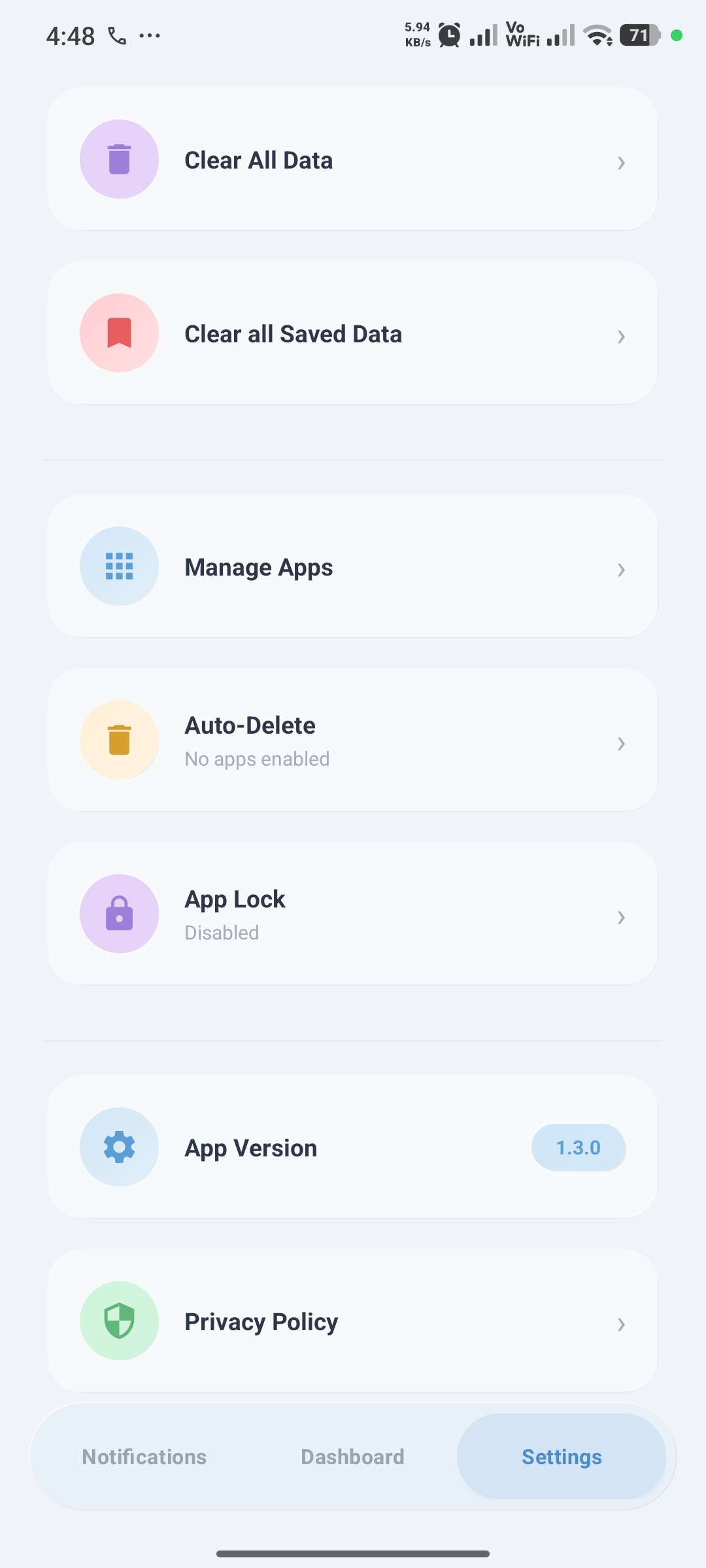
Notification Pro - Smart Filters & App Lock

Smart Filters & App Lock

Settings

Filter out repetitive download bars or media player alerts, set automatic cleanup rules, and lock the app with your fingerprint.

Interface Screenshots

How To Use
STEP-BY-STEP
01STEP

Grant Notification Access

Enable notification access in Android settings so the app can record incoming alerts.

02STEP

Browse Message History

Open the app to find saved alerts, missed messages, and OTPs grouped neatly by app.

03STEP

Set Filters & Auto-Cleanup

Mute noisy background notifications and configure auto-delete after 7, 30, or 90 days.

04STEP

Lock Your Vault

Turn on fingerprint lock in Settings to keep your notification history private.

Frequently Asked Questions

Does Notification Pro send my messages to a server?

No. All notification logs and message text remain strictly on your phone's internal storage.

Can I read messages that were deleted by the sender?

Yes. As long as the notification was received by your phone, Notification Pro captures and preserves it.

Does the app drain battery in the background?

No. It uses Android's native NotificationListenerService which consumes virtually zero battery.

Ready to experience Notification Pro?

Download directly from Google Play. 100% private, zero telemetry.